Are bigger monitors better for gaming? This question vexes many US gamers balancing their love for virtual worlds with real-world responsibilities. You're not alone if you've pondered upgrading your setup, wondering if a larger screen truly enhances immersion or boosts competitive edge without breaking the bank or overwhelming your desk. This comprehensive guide dives deep into the pros and cons of bigger monitors for gaming, addressing common pain points like performance impact, optimal size for various game genres, budget-friendly options, and how to integrate new tech seamlessly into your life. We'll cut through the hype to offer practical, actionable advice, ensuring your next monitor upgrade is a smart investment that genuinely elevates your gaming experience while respecting your time and budget. Discover if a larger display is the right move for your unique gaming style and lifestyle, making your valuable leisure time even more rewarding.
Is a 27-inch monitor too big for competitive gaming?
No, a 27-inch monitor is generally considered a sweet spot for competitive gaming, especially at 1440p resolution. While some esports pros might prefer 24-inch for minimal eye movement, a 27-inch offers a great balance between immersion and keeping all critical game information within your immediate field of vision. It's large enough to feel expansive but not so large that it negatively impacts reaction time or requires excessive head turning during intense gameplay. Many serious gamers find this size ideal for both competitive and casual play.
What resolution is best for a big gaming monitor?
For a big gaming monitor (27-inch and above), 1440p (QHD) is often considered the best balance between visual clarity and performance demands, especially for monitors up to 32 inches. 4K (UHD) offers unparalleled sharpness and detail, but requires a very powerful graphics card to maintain high frame rates. For anything smaller than 27 inches, 1080p can still be sufficient. Always match your monitor's resolution capability with your PC's hardware to ensure a smooth, enjoyable experience without sacrificing frame rates.
Do bigger monitors cause more eye strain?
Bigger monitors can cause more eye strain if you sit too close, the resolution is too low for the size, or the refresh rate is inadequate. Sitting at an appropriate viewing distance (typically 1.5 times the diagonal screen size), ensuring a high pixel density (e.g., 1440p on a 27-inch or 4K on a 32-inch), and using a monitor with a high refresh rate (120Hz+) and features like low blue light mode can significantly mitigate eye strain. Proper ergonomics are crucial to prevent fatigue over long gaming sessions.
How does monitor size affect competitive gameplay?
Monitor size significantly affects competitive gameplay by influencing how quickly you can perceive and react to information across the screen. While a larger monitor offers greater immersion, excessively large screens (e.g., 34-inch+ 16:9 or some ultrawides) can force your eyes to travel further, potentially slowing down reaction times to peripheral threats or crucial UI elements. Many competitive players prefer 24-inch to 27-inch displays because they keep all vital information centrally located, allowing for faster target acquisition and better situational awareness.
Are ultrawide monitors better than large 16:9 monitors for gaming?
Ultrawide monitors are often better than large 16:9 monitors for specific gaming experiences like immersive RPGs, simulation games, and racing titles, where the expanded horizontal field of view significantly enhances immersion. They offer a panoramic view that can't be matched by traditional displays. However, for competitive shooters or games that don't natively support ultrawide aspect ratios, a large 16:9 monitor might be more consistent. The choice depends heavily on your preferred game genres and whether you prioritize immersive views over competitive performance and universal game compatibility.
What's the best monitor size for a casual gamer?
The best monitor size for a casual gamer typically falls between 27 and 32 inches. This range offers a significant boost in immersion compared to smaller screens without the extreme performance demands or desk space requirements of very large displays. A 27-inch 1440p monitor provides a sharp image and ample screen real estate, while a 32-inch 1440p or 4K display offers maximum visual impact for story-driven games. These sizes strike a great balance for enjoying games, watching media, and even light productivity, making them ideal for gamers balancing life and leisure.
Do I need a curved monitor if I go big?
While not strictly necessary, a curved monitor is highly recommended if you opt for a big screen, especially 32 inches and above or any ultrawide display. The curvature helps maintain a consistent viewing distance to all parts of the screen, reducing distortion at the edges and enhancing immersion. This makes it easier for your eyes to take in the entire display without strain, particularly over long gaming sessions. For very large flat monitors, the edges can appear further away or slightly skewed, making a curved panel a significant ergonomic and visual upgrade.
Ever found yourself staring at your monitor during a rare break from work or family, wishing the world within was just a little bigger, a little more encompassing? You're not alone. For many US gamers, particularly those balancing careers, family life, and a passion for pixels, the question of "are bigger monitors better for gaming?" isn't just about specs; it's about maximizing those precious gaming moments. We want relaxation, skill-building, social connection, and performance optimization, all without unnecessary expense or complicated setups.
This isn't about chasing every hype cycle. It's about smart upgrades that genuinely enhance your experience. With an estimated 87% of US gamers engaging regularly, often dedicating 10+ hours a week, and social gaming trends continuing to soar this month, your gaming setup matters more than ever. But does a larger screen truly deliver on its promise of superior immersion, or could it hinder your competitive edge and strain your budget? Let's dive in and demystify the big screen debate, offering practical solutions for real-world gamers.
Are Bigger Monitors Actually Better for Gaming Immersion?
For many gamers, particularly those who play story-driven RPGs, open-world adventures, or cinematic titles, the answer is a resounding yes. A larger monitor, especially 32 inches and above or an ultrawide display, can significantly increase your field of view, drawing you deeper into the game world. This enhanced peripheral vision makes landscapes feel vaster, battles more epic, and quiet moments more intimate. It’s less like looking at a window and more like being enveloped by the environment, which is a huge win for those seeking pure escapism and relaxation after a long day.
However, true immersion isn't just about size. It also hinges on factors like resolution, color accuracy, and panel type. A large 1080p monitor, for instance, might reveal pixels more readily than a smaller one, breaking immersion. Opting for a higher resolution like 1440p or 4K on a larger screen ensures a crisp, detailed image that truly capitalizes on the extra screen real estate, making every texture and effect pop without pixellation.
What Size Monitor is Ideal for Competitive Gaming?
When it comes to competitive gaming, particularly in fast-paced esports titles like Valorant, Apex Legends, or Call of Duty, the 'bigger is better' mantra often takes a backseat to practicality and speed. While a larger screen can feel more cinematic, it can also mean your eyes have to travel further to take in all the crucial information – the mini-map, kill feed, enemy positions. This slight increase in eye movement can shave off critical milliseconds in reaction time, which could be the difference between a clutch play and an early respawn.
Most professional esports players and serious competitive gamers tend to favor monitors in the 24-inch to 27-inch range. This size is considered the sweet spot because it allows you to comfortably view the entire screen at a glance, keeping all vital game elements within your immediate field of vision. High refresh rates (144Hz+) and low response times (1ms) are far more critical than sheer size for competitive play, ensuring smooth visuals and minimal input lag. So, if climbing ranks is your priority, sometimes less screen real estate is actually more effective.
How Do Bigger Monitors Impact Gaming Performance and Your PC?
Upgrading to a bigger monitor, especially one with a higher resolution, almost certainly impacts your PC's performance. More pixels mean your graphics card has to work significantly harder to render the same game. For example, moving from a 24-inch 1080p monitor to a 32-inch 4K monitor requires your GPU to render four times the number of pixels. This can lead to a noticeable drop in frame rates, especially in demanding modern titles.
Gamers on a budget or those with mid-range PCs often face a dilemma: choose a larger monitor at a lower resolution, or stick to a smaller size to maintain high frame rates at a higher resolution. If you opt for a big, high-resolution monitor, be prepared to potentially upgrade your GPU to match its demands, or accept playing games at lower graphical settings. It's a balance between visual fidelity and smooth gameplay, and for many, maintaining stable, high frame rates is paramount, particularly for the 60% of gamers who balance their hobby with demanding jobs and limited upgrade budgets.
Are Ultrawide Monitors a Good Alternative to Traditional Large Displays?
Ultrawide monitors (typically 21:9 or 32:9 aspect ratios) offer a compelling middle ground or even a superior experience for certain types of gamers compared to traditional large displays. Instead of simply scaling up a standard 16:9 image, ultrawides expand your horizontal field of view. This creates an incredibly immersive experience, especially in games that natively support the aspect ratio, like racing simulators, flight sims, grand strategy games, and many open-world RPGs. The peripheral vision fills with more of the game world, enhancing immersion without requiring you to turn your head as much as a very large 16:9 screen might.
However, ultrawides aren't without their considerations. Not all games perfectly support ultrawide resolutions, which can lead to black bars on the sides or stretched UI elements. Competitive shooters can also be a mixed bag; while you see more of the environment, some argue it can stretch out enemies or make quick target acquisition slightly harder. For productivity and multitasking alongside gaming, though, ultrawides are fantastic, essentially acting as two monitors without the bezel in the middle, perfect for those managing work tabs and Discord chats simultaneously.
What are the Key Downsides to Choosing a Very Large Gaming Monitor?
While the allure of a massive screen is strong, very large gaming monitors come with several potential drawbacks that busy, budget-conscious gamers should consider:
- Desk Space and Ergonomics: A 32-inch or larger monitor demands significant desk real estate. You'll need enough depth for a comfortable viewing distance (often 3-4 feet away to avoid eye strain) and robust desk furniture to support its weight. Poor ergonomics can lead to neck and eye strain, turning your relaxing game session into a chore.
- Cost: Larger monitors, especially those with high resolutions (4K) and fast refresh rates (120Hz+), carry a premium price tag. This means not only a bigger initial investment but also potential future costs if you need to upgrade your graphics card to drive it properly.
- Pixel Density: If you go large but stick with a lower resolution (e.g., 32-inch 1080p), the pixel density decreases, meaning individual pixels become more noticeable. This can make images appear less sharp and less detailed, detracting from the visual experience rather than enhancing it.
- Viewing Angle and Eye Fatigue: On very large screens, especially without a slight curve, the edges of the display can appear slightly warped or less vibrant if you're sitting too close. Your eyes also have to work harder to scan the entire screen, leading to increased fatigue during longer sessions.
How Can I Optimize My Setup for a Larger Monitor?
If you've decided a bigger monitor is right for you, optimizing your setup is key to a comfortable and high-performing experience. Here's how:
- Viewing Distance: Aim for a viewing distance where the entire screen is comfortably within your field of vision without excessive head movement. A common rule of thumb is 1.5 times the diagonal screen size. For a 32-inch monitor, this means about 48 inches (4 feet).
- Ergonomic Stand/Arm: Invest in a VESA-compatible monitor arm. This allows for flexible positioning, adjusting height, tilt, and swivel, ensuring the top of your screen is at or slightly below eye level. This is crucial for preventing neck and shoulder strain, a common pain point for gamers logging serious hours.
- Sufficient Desk Space: Clear your desk. A larger monitor demands space. Consider wall-mounting if desk space is extremely limited.
- Cable Management: With more gear, comes more cables. Use cable ties or sleeves to keep your setup tidy, which not only looks better but also prevents clutter and makes future adjustments easier.
- Lighting: Minimize glare from windows or overhead lights. Position your monitor to avoid direct reflections, or use bias lighting behind the monitor to reduce eye strain in dark rooms.
Is a Bigger Monitor Worth the Cost for Casual Gamers?
For the casual gamer, who might enjoy cozy games like Animal Crossing, indie gems, or just a few hours of an AAA title each week, the
Bigger monitors offer enhanced immersion and wider field of view but may require more powerful hardware and ample desk space. Optimal size varies by game genre and personal preference, balancing visual fidelity with competitive reaction times. Consider resolution, refresh rate, and panel type alongside size for a truly better gaming experience. Budget and ergonomics are crucial factors for busy gamers.
35



LG UltraGear Evo Gaming Monitor Lineup Announced Ahead Of CES 2026 27 . LG UltraGear Evo Gaming Monitor Lineup Announced Ahead Of CES 2026 27 . Xiaomi G24i 2026 G27i 2026 Gaming Monitors Launched Globally Xiaomi Xiaomi Gaming Monitor G24i 2026 G27i 2026 Q2XM0.webp. Samsung Launches World S First 6K 1040Hz Gaming Monitors 2026 Sammy Odyssey 2026 Gaming Monitors . Xiaomi Launches G24i 2026 And G27i 2026 Gaming Monitors In The Xiaomi Launches G24i 2026 And G27i 2026 Gaming Monitors In The Philippines 1024x640



Gaming Monitor Guide 2026 Everything You Need To Know London Daily News Gaming Monitor Guide 2026 Everything You Need To Know11. Round Up All The Latest Awesome 2026 Monitors From MSI At CES 2026 Msi Ces 2026 Website Featured . The Best Recommended Gaming Monitors 2026 TFTCentral Photo1 UltraGear GX9 45GX950A . Curved Vs Flat Gaming Monitor Which Is Better In 2026 11.4 1024x572 . AOC AG276QZD2 Review 2026 Cheapest OLED Gaming Monitor Best 27 Inch Monitors


15 Best Gaming Monitors Of 2026 For Smoothest Gameplay And Stunning Top Gaming Monitors 2026 Moiql . Best 20 Inch Monitor Uk Corsair Xeneon 34wqhd240 C Qd Oled 3p76 . BEST 1440P GAMING MONITORS IN 2025 2026 PC Explorers Best 1440p Gaming Monitors For Gaming In 2025 2026 1024x576 . Biggest Ultrawide Monitors For Gaming Infoupdate Org . The Best Recommended Gaming Monitors 2026 TFTCentral ROG Swift OLED PG27AQWP Bottom

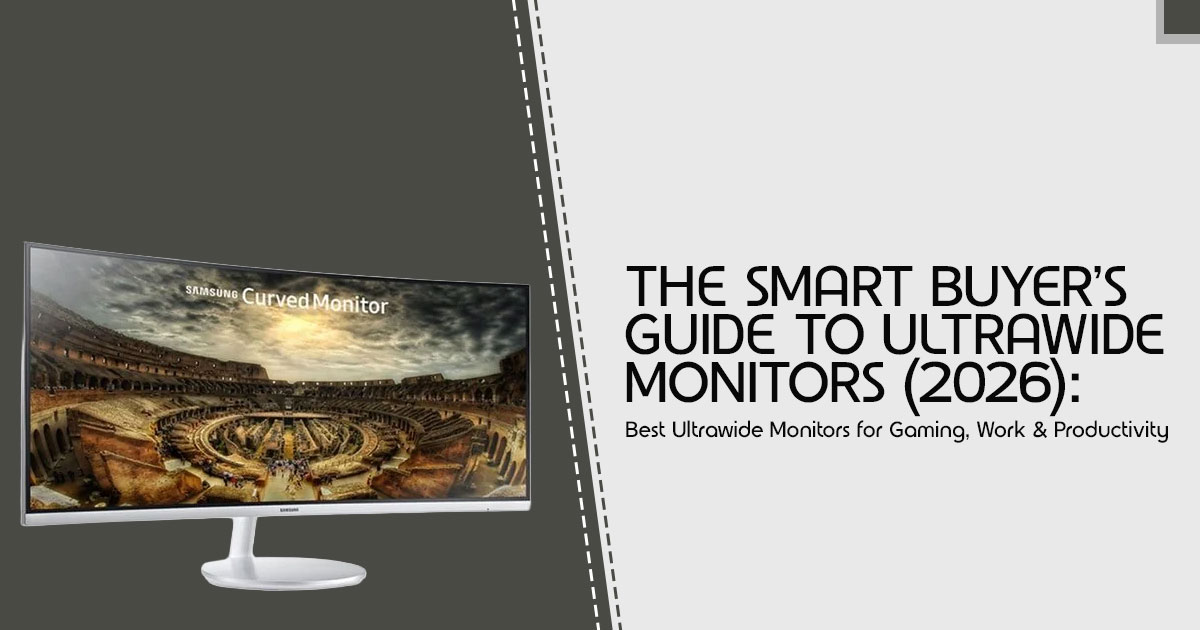
The Best OLED Gaming Monitors To Buy In 2026 TFTCentral Best Oled Gaming Monitors Thumbnail 2026 768x432 . Best Gaming Monitors For 2026 Top Picks For PS5 Esports More Best Gaming Monitor 768x512 . How To Choose A Gaming Headset In 2026 Competitive FPS Immersion And. Best Gaming Monitors For 2026 Reviews And Bharat Erberbr . Best Ultrawide Monitors For Gaming Work 2026 Ultrawide Monitor Guide 2026

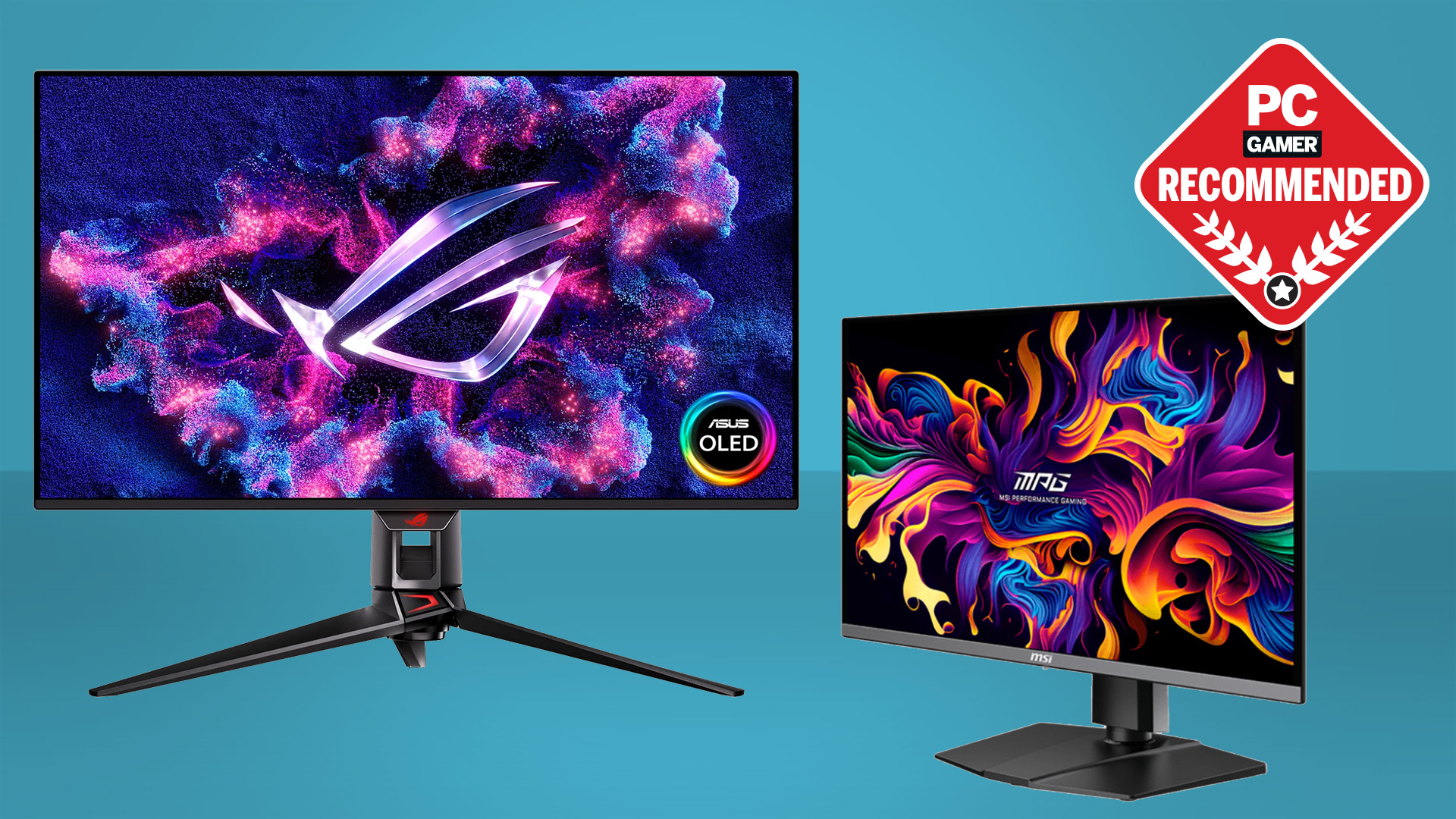
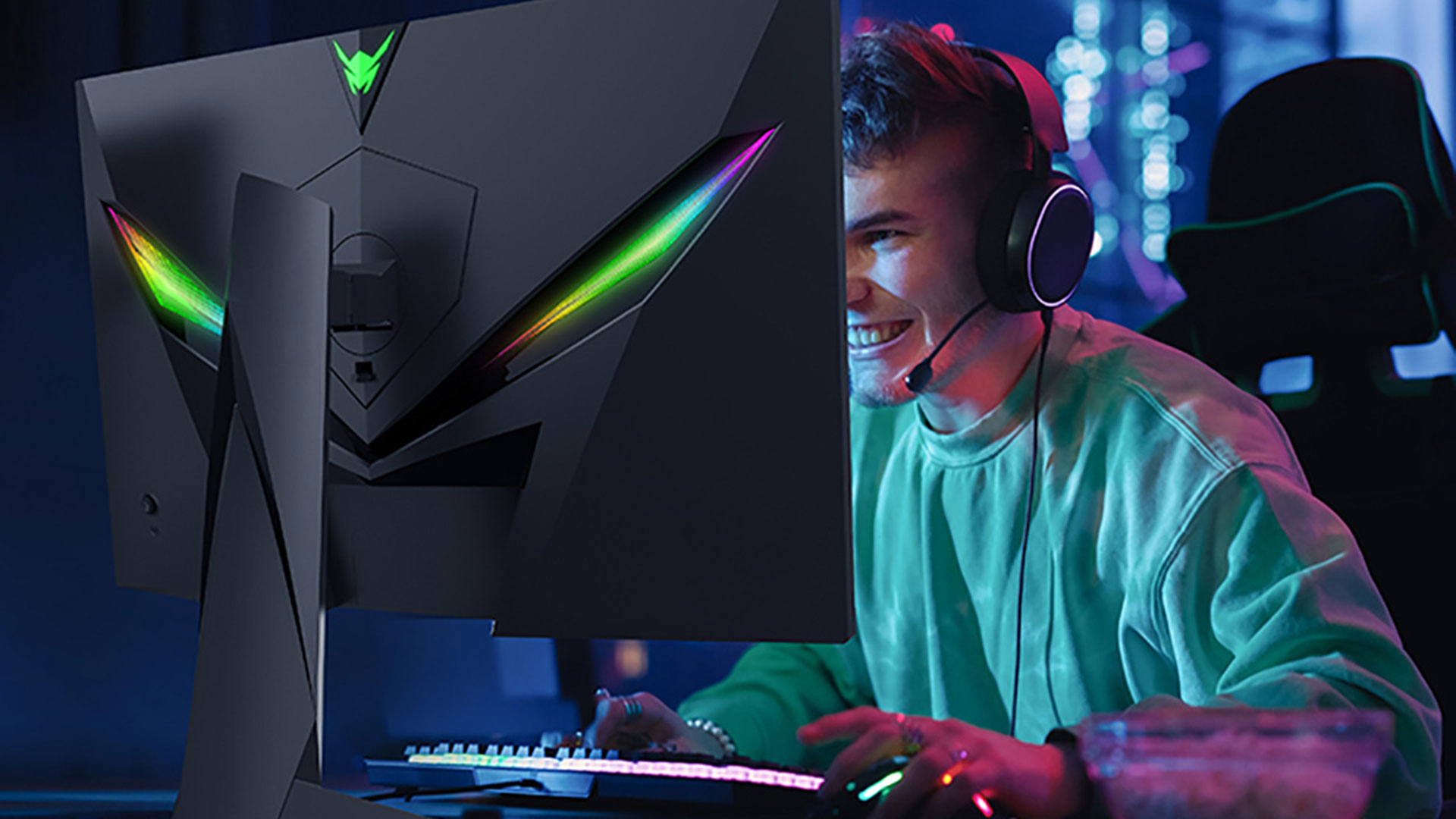
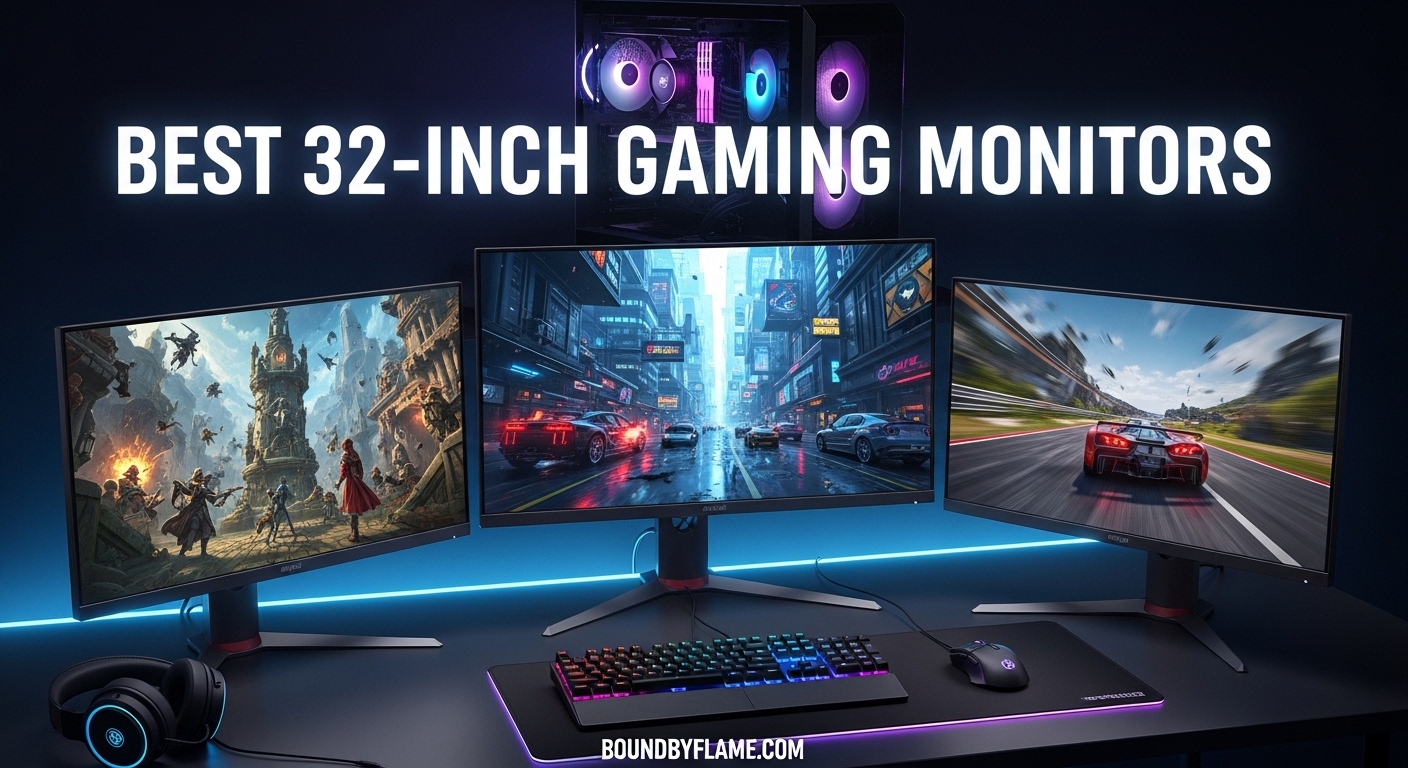
8 Best PS5 Gaming Monitors Of 2026 Top Ps5 Monitors 2025 . Best Pc Monitors 2025 Best Gaming Monitor For 2025 TGIDQQ . Chinese ESports Firm Worked With AMD On 1 000 Hz Gaming Monitor Primed . 15 Best 2D Platform Games March 2026 Buyer S Guide Best 32 Inch Gaming Monitors . Authorized Gaming Monitors Price In Nepal 2026 Best Price For Monitors 1536x864

8 Best Curved Monitors For Gaming March 2026 Tested Best Curved Monitors For Gaming 768x419 . AOC AG276QZD2 Review 2026 Cheapest OLED Gaming Monitor Best HDR Monitors 1024x576 . Cell Universal Tower Defense Guide March 2026 Obtain Evolve Fast Best Curved Monitors For Gaming . LG UltraGear 52G930B Review A 52 Inch 5K2K Gaming Monitor Built For Lg Ultragear 52g930b 52 Inch 5k2k Gaming Monitor Featured. Best Cheap Gaming Monitors 2026 Top Budget Screens Best Cheap Gaming Monitor 6


Xiaomi Curved Gaming Monitor G34WQi 2026 Rilis Global Monitor Xiaomi G34WQi 2026 D9ea3e6021 1440x1080 . Pc Monitor Size Comparison . Samsung 2026 Odyssey Gaming Monitors Lineup Explained Samsung 2026 Odyssey Gaming. The Biggest Gaming Monitor Trends Of CES 2025 . GIGABYTE Unveils Next Gen OLED Gaming Monitors At CES 2026 Gigabyte Next Gen Oled Gaming Monitors Ces 2026 1