Are you a dedicated gamer balancing life and leisure, suddenly finding yourself unable to communicate with friends in Roblox? It can be incredibly frustrating when the social heart of games like Roblox, where over 87% of US gamers regularly engage for relaxation and connection, suddenly goes silent. This comprehensive guide dives deep into why you might be experiencing chat restrictions in Roblox. We understand that adult gamers, often juggling jobs and families, value their gaming time for social interaction, skill-building, and pure fun. This article will provide clear, actionable solutions to common chat problems, from age verification hurdles and parental controls to account settings and specific game limitations. We will help you navigate the various reasons behind your inability to chat, ensuring you can quickly get back to connecting with your community and enjoying the full, interactive experience Roblox offers. Stay current with trends without the hype and optimize your social play. Discover how to troubleshoot and restore your ability to chat effectively, making your time in Roblox more rewarding and connected. Our focus is on practical, easy-to-follow steps designed for busy gamers.
Why Can't I Chat in Roblox? Top Reasons Explained
Many factors can prevent you from chatting in Roblox. The most common reasons include your account's age setting (under 13 or unverified), strict parental controls enabled on your account, your personal privacy settings within Roblox being set to 'No one,' or temporary mutes/bans imposed by Roblox for violating community standards. Specific games can also disable chat. Start by checking your privacy settings and age verification status.
How Do I Verify My Age in Roblox to Enable More Chat Features?
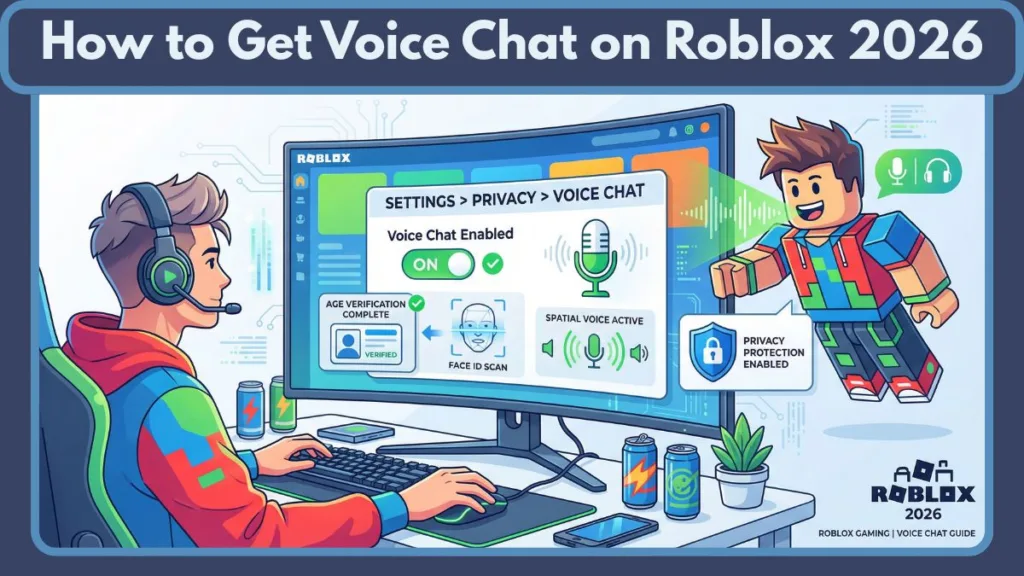
To verify your age in Roblox and unlock more chat options, including less restrictive filters and Spatial Voice chat, you need to go to your account settings on the Roblox website. Look for 'Verify My Age' and follow the prompts, which typically involve scanning a government-issued ID and taking a live selfie. This process securely confirms you are 13 years or older, expanding your communication capabilities within the platform.
What Are Roblox Parental Controls and How Do They Block Chat?
Roblox Parental Controls allow parents or account owners to restrict various functionalities, including chat. These controls are often protected by a PIN. If a PIN is active, changes to privacy settings, like who can chat with you, cannot be made without it. This ensures children's safety but can also inadvertently block adult users if the controls were previously set up and forgotten. You'll need the PIN to disable or adjust them.
Can Game Developers Mute Me in Specific Roblox Experiences?
Yes, individual game developers within Roblox can implement their own moderation and chat restrictions in their specific experiences. Beyond Roblox's global filters, a developer might temporarily mute players for violating their game's unique rules or for disruptive behavior within that particular world. This means chat might work in one game but not another, indicating a game-specific mute rather than an account-wide issue.
Why Does My Chat Show '###' When I Type Normal Words in Roblox?
When your chat appears as '###', it means Roblox's automatic chat filters have censored your message. This happens because the system detected words, phrases, or numerical sequences that are deemed inappropriate or unsafe for sharing, even if you perceive them as harmless. The filters are very sensitive to protect younger users and prevent the sharing of personal information. Sometimes, even creative misspellings to bypass filters can get caught.
How Do I Change My Roblox Privacy Settings to Allow Chat?
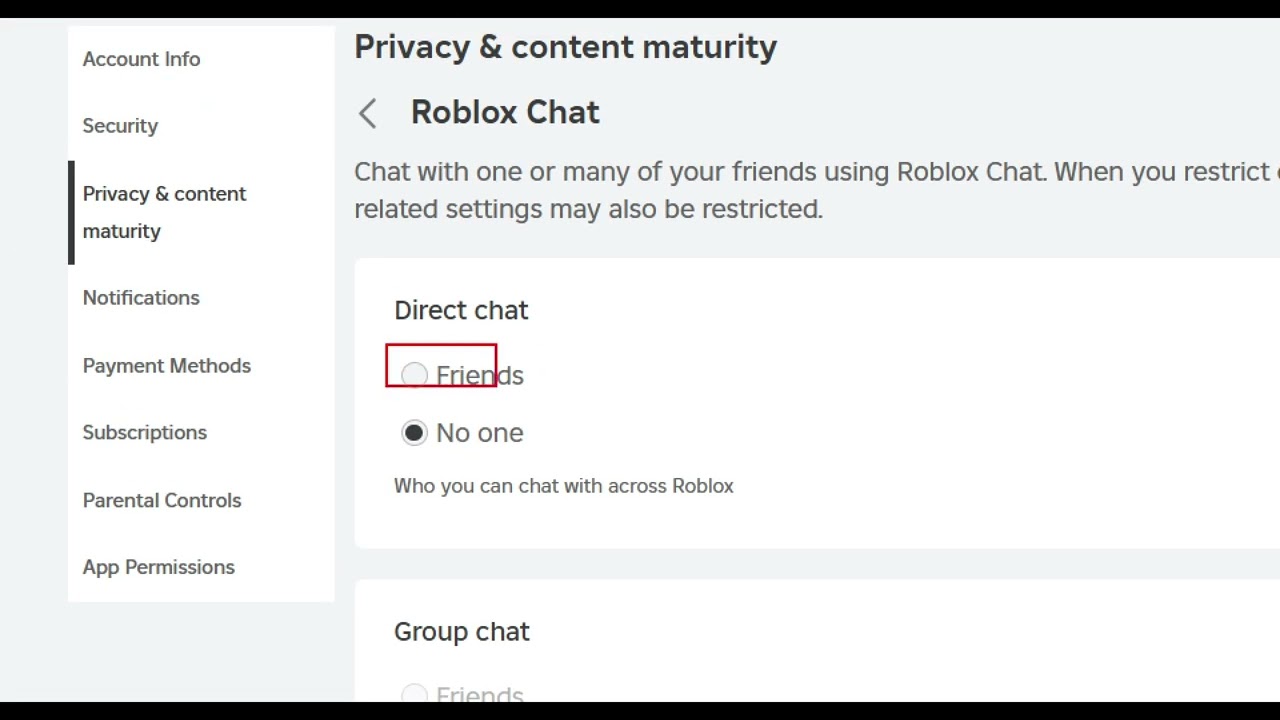
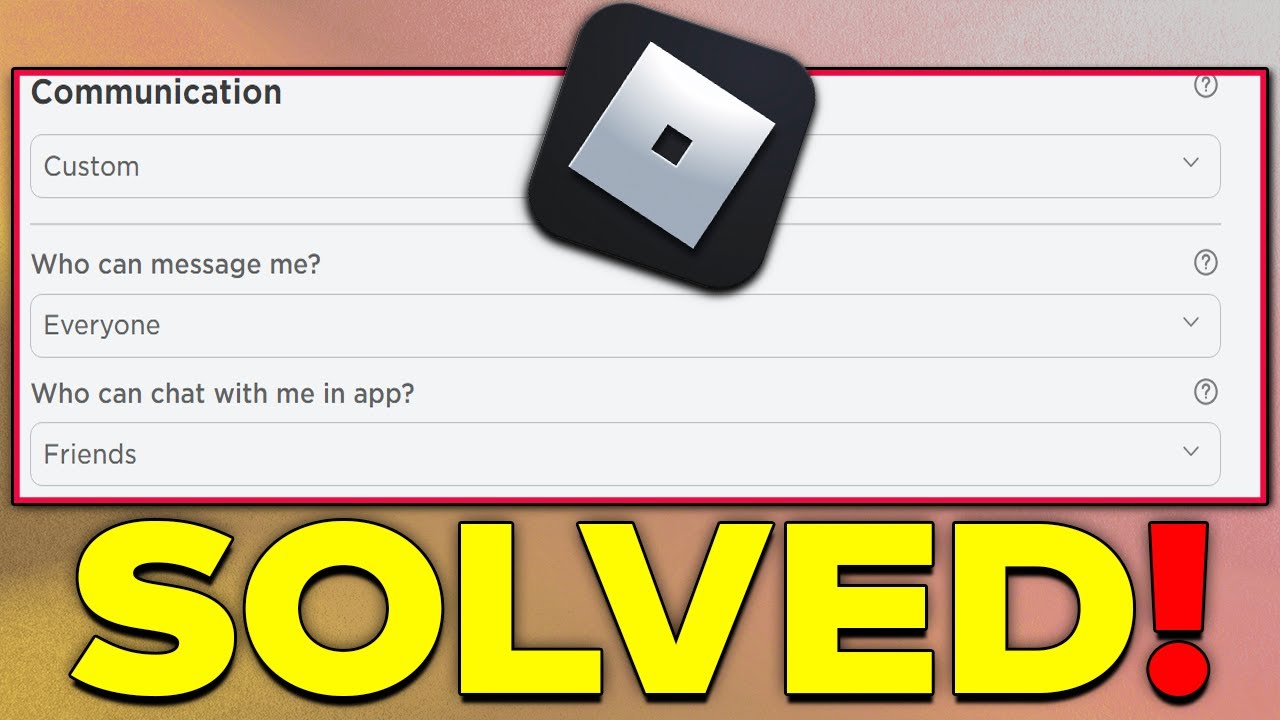
To change your Roblox privacy settings to allow chat, log into your Roblox account via a web browser. Click the gear icon for 'Settings,' then select 'Privacy.' Under 'Who can chat with me in app?' and 'Who can chat with me?', choose 'Friends' or 'Everyone' instead of 'No one.' If these options are grayed out, it likely indicates parental controls or an unverified age restriction is in place, requiring further action to unlock.
What Should I Do if My Roblox Chat Still Isn't Working After Troubleshooting?
If you've checked your age verification, privacy settings, parental controls, updated the app, and ruled out game-specific issues and internet problems, your next step is to contact Roblox Support. Provide them with your username, a detailed description of the issue, and a list of all the troubleshooting steps you've already attempted. They can investigate deeper account-related issues or potential system-wide problems affecting your chat.
For many US gamers, particularly those balancing demanding careers and family life, Roblox isn't just a game; it's a vibrant social hub. It's a place to unwind after a long day, connect with friends, or even introduce children to a creative virtual world. The joy of collaborating on builds, strategizing in mini-games, or simply sharing a laugh with teammates hinges on one crucial feature: chat. So, when you suddenly find yourself asking, 'why cant i chat in roblox,' it can be incredibly frustrating. You're not alone. With 87% of US gamers regularly diving into their favorite titles, often spending 10+ hours a week, and mobile gaming dominating a significant portion of that engagement, social interaction is key. Understanding why your chat might be silenced and how to fix it quickly means more time enjoying the game and less time troubleshooting.
This guide is crafted for you—the pragmatic gamer who values clear solutions over complicated jargon. We'll cut through the noise, offering direct, actionable advice to resolve your Roblox chat issues. Whether it's a forgotten setting, an unknown restriction, or a simple technical glitch, we're here to help you get back to building, playing, and, most importantly, chatting with your fellow Robloxians.
Why Am I Blocked From Chatting in Roblox?
Several factors can prevent you from chatting in Roblox. The most common reasons include age restrictions, account privacy settings, parental controls, or even temporary mutes imposed by game moderators or Roblox itself. Understanding these potential roadblocks is the first step to getting your chat back online.
First, it's crucial to check your account's age setting and verification status. Roblox implements strict chat filters and restrictions based on a user's age, with unverified accounts typically having the most limitations. Additionally, your account's privacy settings might be configured to disallow chat, either by default or through a previous adjustment.
How Do I Enable Chat in Roblox if It's Disabled?
Enabling chat often involves checking and adjusting your account's privacy settings. This is a common solution for many gamers, especially those who might have tightened security settings or had them adjusted by a parent or guardian. Here are the steps:
- Log into your Roblox account on a web browser (not just the app).
- Navigate to 'Settings' by clicking the gear icon in the top right corner.
- Select 'Privacy' from the left-hand menu.
- Look for the 'Who can chat with me in app?' and 'Who can chat with me?' sections.
- Ensure these are set to 'Friends' or 'Everyone' rather than 'No one'.
- If your age is under 13, your chat options will be more limited, likely only allowing chat with friends.
Remember to save any changes you make. Sometimes, a simple refresh or game restart is all that's needed for the new settings to take effect.
What Are Roblox's Chat Filters and How Do They Work?
Roblox utilizes robust chat filters designed to protect users, especially younger players, from inappropriate content, personal information sharing, and harassment. These filters are highly sophisticated and constantly updated to block specific words, phrases, and even numbers that could be misused. Even if you're an adult, your chat might be filtered more heavily than expected if the system detects certain patterns.
The filters automatically censor messages by replacing blocked words with hashtags (###). Sometimes, even innocent phrases can get caught in the filter if they contain a sequence of letters that resembles a prohibited word or if they involve sharing numerical information, like dates or ages, which is blocked for safety. This strict filtering is a core part of Roblox's commitment to creating a safe environment, aligning with the growing trend of online platform responsibility in social gaming.
Can Parental Controls Affect My Ability to Chat in Roblox?
Absolutely. Parental controls are a primary reason why many users, particularly those with accounts linked to family management systems, experience chat restrictions. These controls are often set up by parents to safeguard their children, but they can inadvertently affect adult accounts or simply be overlooked after initial setup.
Parents can enable an Account Restrictions PIN in Roblox settings, preventing any changes to privacy and account settings without the correct PIN. If you suspect parental controls are the issue, you'll need access to the PIN to adjust settings. Common restrictions include:
- Disabling all chat functionality.
- Limiting chat to only friends.
- Restricting access to certain games or experiences.
If you're an adult gamer who previously set up parental controls for your own account or inherited an account with them, you'll need to locate and use that PIN to modify your chat permissions.
What If My Roblox Account is Too New or My Age is Unverified?
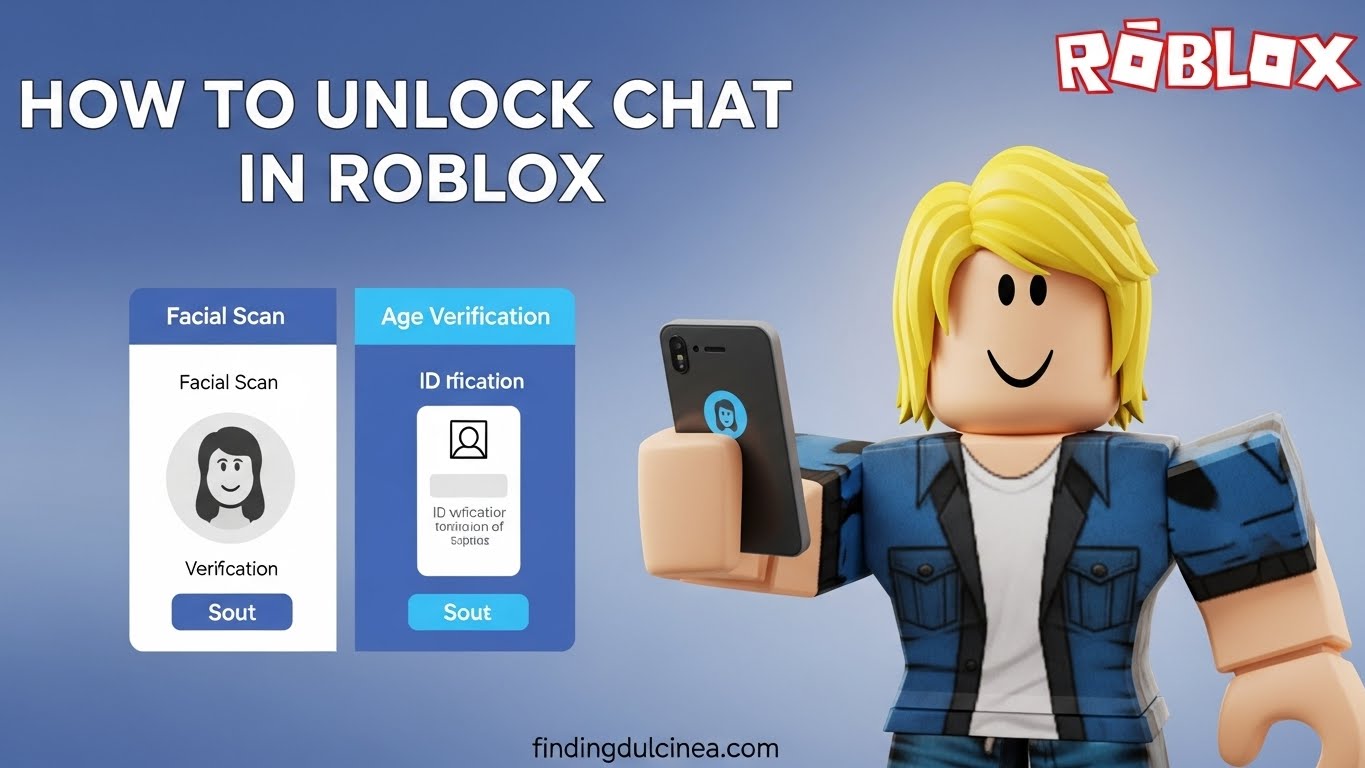
Roblox imposes greater restrictions on unverified accounts and those linked to younger users (under 13). If your account is relatively new and you haven't completed age verification, your chat options might be severely limited. Age verification involves providing a valid ID and sometimes a selfie to confirm your birthdate.
For players 13 and older who have verified their age, chat filters are generally less stringent, and more communication options become available. This is a crucial step for adult gamers who want the full social experience, as it allows Roblox to confirm you meet the age requirements for broader chat capabilities. Given the increasing focus on online safety and age gating across platforms, verifying your age is becoming a standard practice for unlocking full features.
Troubleshooting Common Roblox Chat Issues and Connectivity Problems
Beyond account settings, technical glitches and connectivity can also silence your chat. Before contacting support, run through these troubleshooting steps:
- Restart Roblox: Close the application completely and relaunch it. Sometimes, a simple restart can clear temporary bugs.
- Check Internet Connection: Ensure your Wi-Fi or cellular data connection is stable. A weak or intermittent connection can disrupt chat functions. Mobile gamers, who make up a large segment of US players, often face this.
- Clear Cache: On PC, clear your Roblox browser cache. On mobile, clear the app's cache through your device settings.
- Update Roblox App: Ensure your Roblox application is updated to the latest version. Outdated software can lead to compatibility issues.
- Verify Server Status: Check official Roblox status pages or community forums for any widespread server issues that might be affecting chat.
- Try a Different Game: Test chat in another Roblox experience. If it works elsewhere, the issue might be specific to the game you were playing.
- Firewall/Antivirus: Ensure your computer's firewall or antivirus software isn't blocking Roblox's connection to chat servers.
These steps can resolve a surprising number of issues, letting you quickly return to your game without needing extensive technical support.
Are There Game-Specific Chat Restrictions in Roblox Experiences?
Yes, individual Roblox experiences (games) can implement their own additional chat restrictions or moderation. While Roblox provides a baseline for chat filtering and privacy settings, game developers have the power to further customize communication within their creations. For example:
- Some games might disable chat entirely to focus on gameplay or to prevent toxicity.
- Certain games might only allow pre-set phrases or emotes instead of free-form text chat.
- Games with specific age ratings might have stricter chat rules enforced by the developer.
- Developers can also implement in-game moderation, leading to temporary mutes if you violate their specific rules.
Always check the game's description or settings within the experience itself if you find chat is not working, as the issue might be isolated to that particular world.
When Should I Contact Roblox Support for Chat Problems?
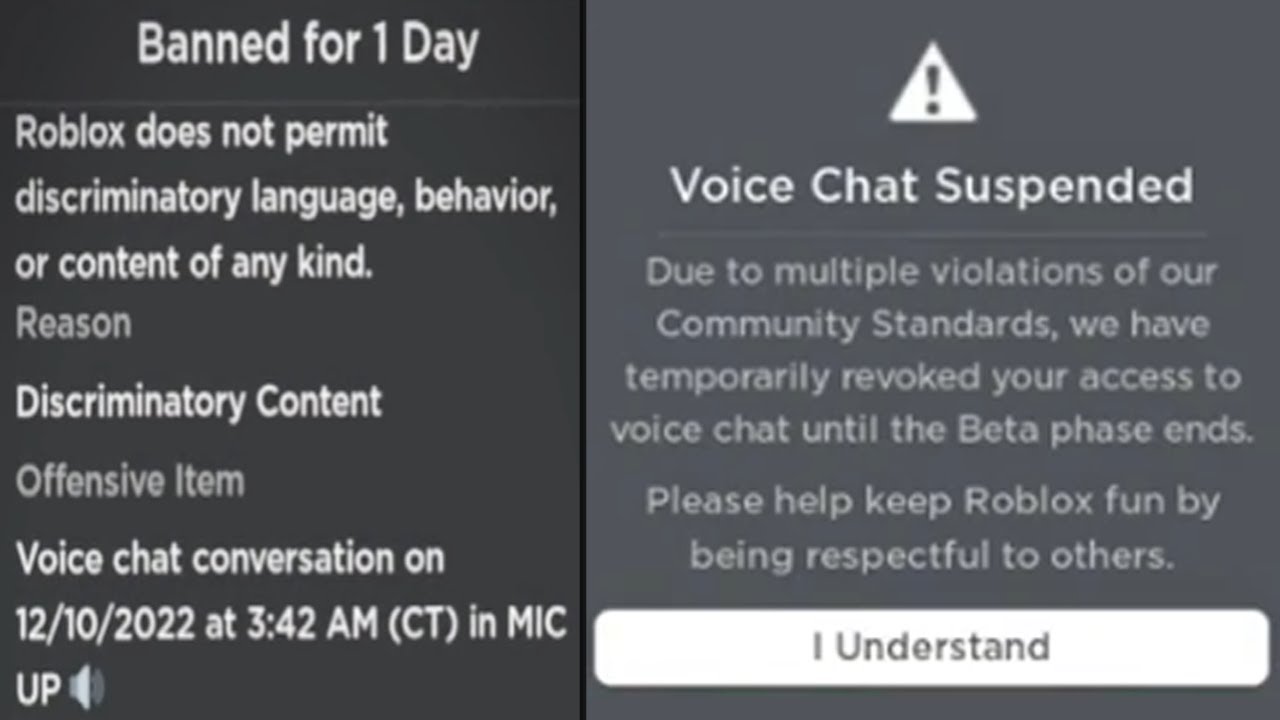
If you've gone through all the troubleshooting steps—checking age verification, privacy settings, parental controls, connectivity, and game-specific rules—and you still cannot chat, it's time to contact Roblox Support. They can investigate account-specific issues, such as potential moderation actions (like a temporary ban or mute) that you might not be aware of, or deeper technical problems.
When contacting support, be prepared to provide:
- Your Roblox username.
- A detailed description of the problem (e.g., 'I cannot chat in any game,' or 'Chat only works in game X but not game Y').
- What troubleshooting steps you've already tried.
- Any error messages you've received.
This information helps them diagnose your issue faster and more accurately, getting you back into the social fray of Roblox without undue delay.
Understanding Roblox Account Verification for Enhanced Chat
Roblox's age verification process is crucial for unlocking advanced features, including less restrictive chat filters and voice chat capabilities. For adult gamers, verifying your age demonstrates that you are 13 or older, which aligns your account with broader communication permissions. The process typically involves using a government-issued ID and a live selfie scan to confirm identity and age through a third-party service, ensuring privacy and security.
This step isn't just about unlocking chat; it's about confirming your identity in an increasingly regulated online gaming landscape. Many players, especially those over 18, find that verifying their age significantly improves their overall social experience on the platform, allowing for more natural and less filtered conversations with friends and other players, which is a major draw for the 87% of US gamers who regularly play and socialize online.
Navigating Roblox's Social Features as an Adult Gamer
For many adult gamers, Roblox provides a unique blend of creativity and social interaction. Balancing family, work, and personal gaming time means every moment counts. If your chat isn't working, it impacts your ability to engage socially, which is a key motivator for 60% of gamers. Being able to chat allows for:
- Collaboration: Working effectively in build mode or team-based games.
- Community Building: Connecting with friends and guild members, fostering a sense of belonging.
- Mentoring: Guiding younger players or new friends through experiences.
- Stress Relief: Simple, lighthearted conversation with online pals.
Ensuring your chat functions properly is essential for maximizing these social benefits. The desire for seamless interaction is a driving force behind the popularity of social and cozy games this month, reflecting a broader trend in gaming where connection is as important as competition.
Maintaining Account Security to Prevent Chat Issues
Account security plays an indirect but vital role in maintaining chat functionality. If your Roblox account is compromised, malicious actors could change your privacy settings, enable parental controls without your knowledge, or even use your account for inappropriate behavior, leading to a ban or mute. Regularly updating your password, enabling two-step verification, and being wary of phishing attempts are crucial steps.
A secure account ensures that your settings remain as you intend them, protecting your ability to communicate freely within the Roblox platform. This vigilance is part of a broader online safety trend, where users are encouraged to take proactive measures to secure their digital identities and gaming experiences.
Final Thoughts on Restoring Your Roblox Chat
Navigating chat issues in Roblox can be a minor headache, but with a systematic approach, most problems are easily solvable. From checking your age verification and privacy settings to understanding parental controls and game-specific rules, the path to restoring your ability to chat is usually clear. Remember, Roblox is a dynamic platform, and staying informed about its features and policies is part of being a savvy gamer.
Don't let a silenced chat box keep you from the vibrant social experiences Roblox offers. Get back to connecting, collaborating, and having fun with your friends. What's your biggest gaming challenge? Comment below!
FAQ Section
Q: Why does Roblox filter my age-appropriate language?
A: Roblox's chat filters are extremely strict and proactive, designed to protect all users. Even innocuous words or phrases can be caught if they resemble inappropriate content or if they contain numbers that could be used to share personal information. Age-verified accounts for users 13+ generally have lighter filtering, but some level of filtering always remains for safety.
Q: Can I use voice chat if my text chat isn't working?
A: If your text chat is entirely disabled due to age restrictions or privacy settings, voice chat (Spatial Voice) will also be unavailable. Voice chat requires age verification (13+) and is subject to its own set of strict moderation guidelines. Ensure your account is fully verified and settings allow for both text and voice communication.
Q: What if I think I was unfairly muted or banned from chat?
A: If you believe you were unfairly muted or banned, you should contact Roblox Support directly through their website. Provide all relevant details, including the date and time of the incident, and explain why you believe the action was unwarranted. They will review your case and provide clarification.
Q: Does my device type (PC, mobile, console) affect chat functionality?
A: While the core chat rules apply across all platforms, certain interfaces might differ slightly. Mobile devices, being a dominant platform for US gamers, have the same chat restrictions and settings access as PC, but input methods can vary. Console versions may have additional platform-specific parental controls or limited text input options, relying more on pre-set phrases.
Q: How often should I check my Roblox privacy settings?
A: It's a good practice to review your Roblox privacy settings periodically, perhaps once every few months or after major Roblox updates. This ensures that no settings have been inadvertently changed and that your preferences for communication and interaction align with your current comfort level and desired social experience.
Q: Can third-party software interfere with Roblox chat?
A: Yes, in rare cases, third-party software like VPNs, certain antivirus programs, or network optimization tools could potentially interfere with Roblox's connection to its chat servers, leading to communication issues. Try temporarily disabling such software to see if it resolves the problem, and ensure Roblox is whitelisted in any security programs.
Roblox chat issues often stem from age restrictions, parental controls, account settings, or game-specific rules. Solutions include verifying your age, checking privacy settings, disabling restrictions, and ensuring account safety. Temporary bans or network problems can also silence chat.
35
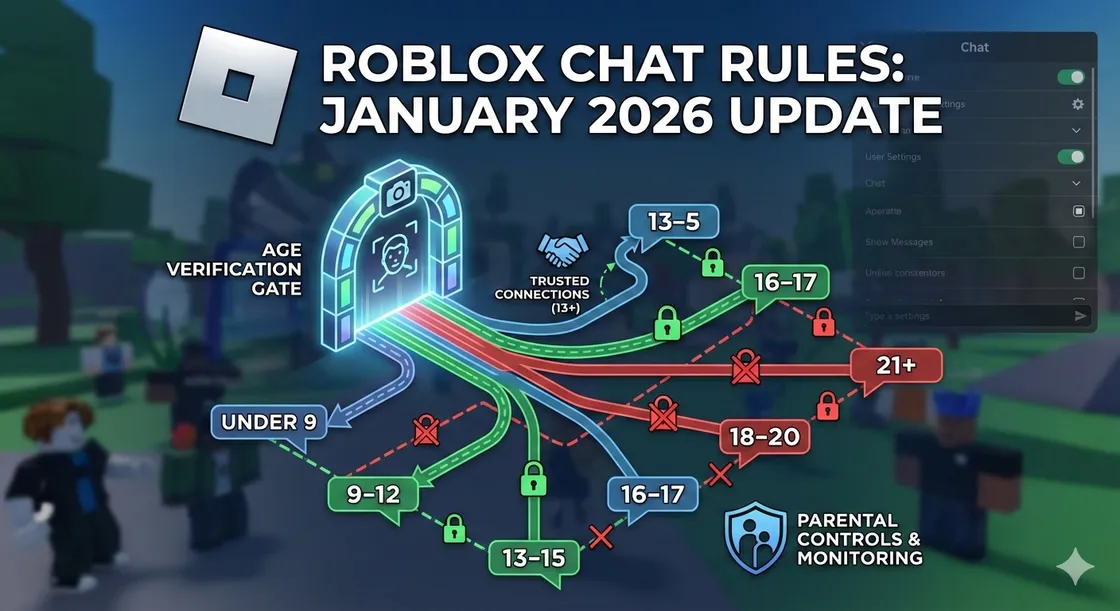


Fix Can T Chat On Roblox Enable Chat Message Settings 2025 Guide . Roblox S New Chat Rules Explained January 2026 Roblox New Chat Rules . Why Won T My Roblox Voice Chat Work Simple Fixes . How To Fix Chat Settings In Roblox Why Can T I Chat In Roblox YouTube . How To Unlock Chat On Roblox Fix Locked Chat On Roblox 2026 YouTube


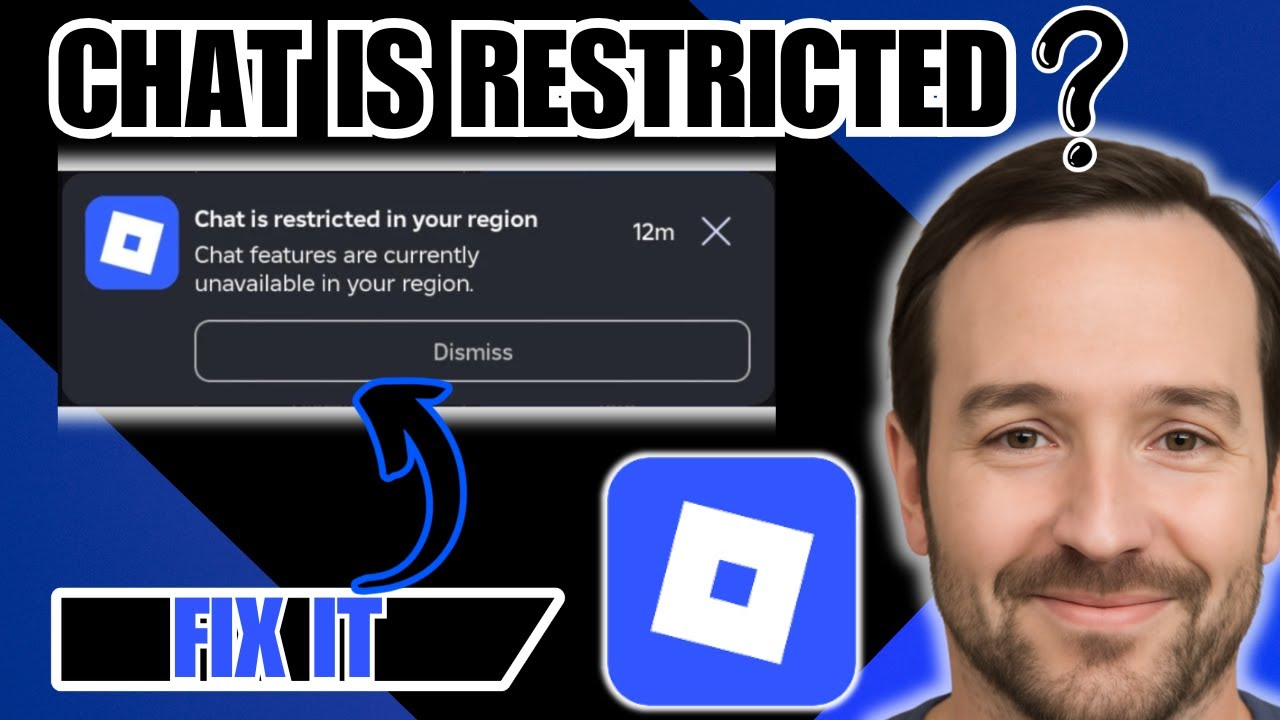

Turn On Voice Chat In Roblox How To USE Voice Chat In Roblox IPad . These Roblox Players CANT CHAT Anymore YouTube . Fix Chat Setting In Roblox Mobile Fix Can T Chat On Roblox IPhone . How To Fix Chat Is Restricted In Your Region Roblox 2026 FAST GUIDE . Why Won T My Roblox Voice Chat Work Simple Fixes
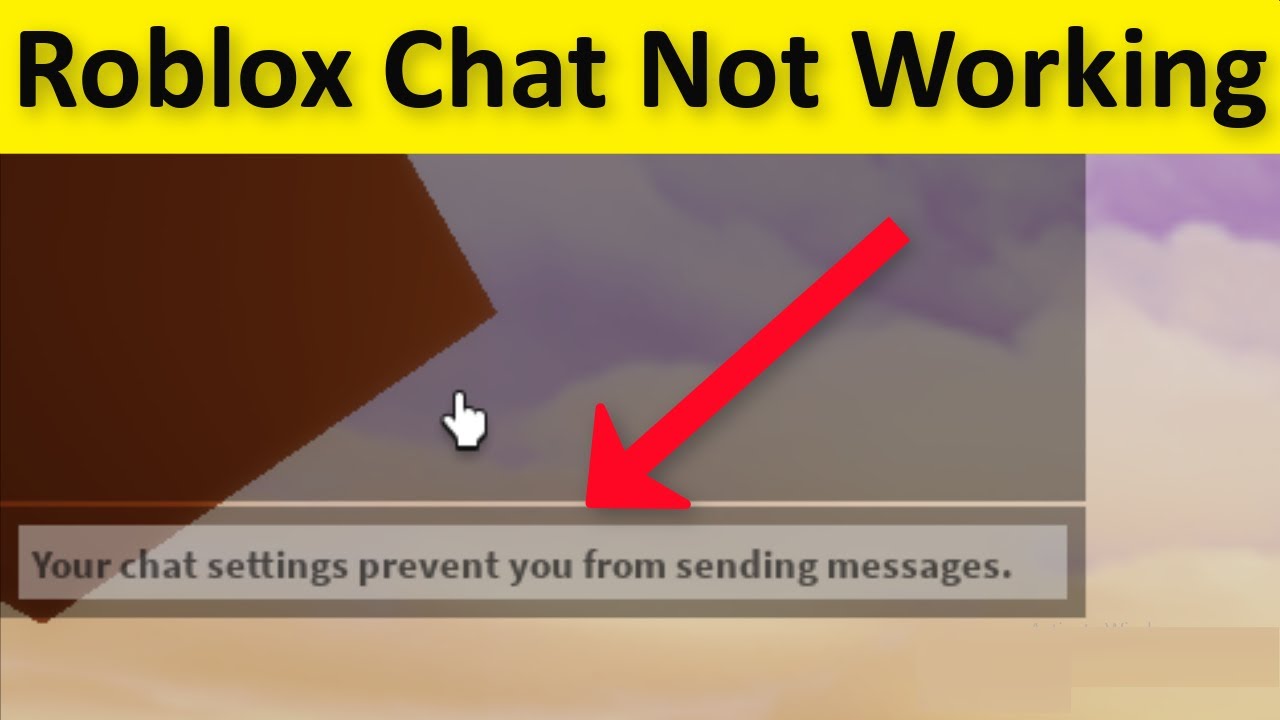

Is Roblox Removing Chat In 2026 Answered Gamer Tweak Roblox Chat Age. Roblox Chat Problems Lets Get You Talking . FIX Roblox Your Chat Settings Prevent You From Sending Messages Hqdefault . How To Get Voice Chat On Roblox 2026 Enable VC Without ID Izoate How To Enable Voice Chat In Roblox 2026. How To FIX Your Chat Settings Prevent You From Sending Messages In



Why Won T My Roblox Voice Chat Work Simple Fixes . Is Roblox Removing Chat In 2026 197po.webp. How To Unlock Chat In Roblox May 2026 Complete Age Guide How To Unlock Chat In Roblox . How To Message On Roblox 2026 A Quick Guide . How To Fix Your Roblox Chat If It S Not Working 2023 YouTube


Why Won T My Roblox Voice Chat Work Simple Fixes . Why Can T I Chat Roblox YouTube Maxres2 . Roblox Chat Update 2026 Explained Mandatory Age New Roblox Chat Update 2026. Why Won T My Roblox Voice Chat Work Simple Fixes 2 406x500 . Why Won T My Roblox Voice Chat Work Simple Fixes



Why Can T I Chat On Roblox YouTube . Why Won T My Roblox Voice Chat Work Simple Fixes . Roblox Chat 2026 The New Age Based Chat System Explained Roblox Chat Was Eltern Wissen Muessen.BP BcCTF ZXnRaV.webp. Why Can T I Hear Anyone On Roblox Voice Chat 2026 Fix . Roblox S New Chat Rules Explained January 2026 Image 827


Roblox Chat Problems Lets Get You Talking Why Cant Xbox Chat On Roblox . Protest Sign I Can T Chat Roblox Item Rolimon S NoFilter. Why Is My Roblox Voice Chat Not Working On PC What To DO YouTube . Fix Roblox Chat Doesn T Work Your Chat Settings Prevent You From . Roblox How To Fix Your Chat Settings Prevent You From Sending And